Configuring a message start event
A Message Start Event is a special event in a process that initiates the start of a process instance upon receiving a specific trigger. It acts as the entry point for the process, waiting for the designated trigger to occur. Once triggered, the process instance is created and begins its execution, following the defined process flow from that point onwards.
General config
The name of the node.
Assign a stage to the node, if needed.
Process trigger
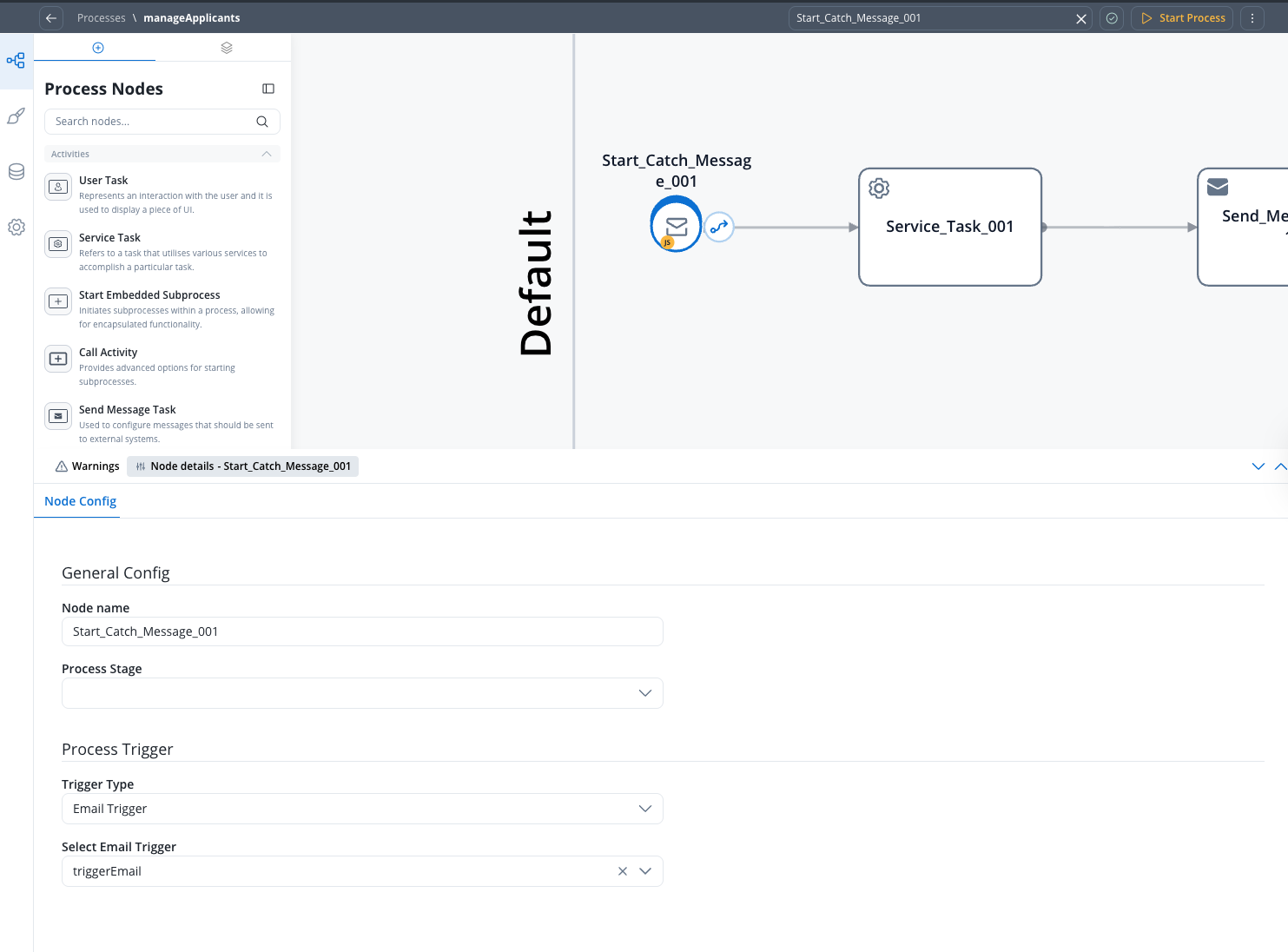
The Trigger Type determines how the process instance is started. Two options are available:- Internal Throw Message
- Email Trigger
Use this trigger type when you want to start a process instance from another process using a Message Throw Event. This is the classic approach for inter-process communication.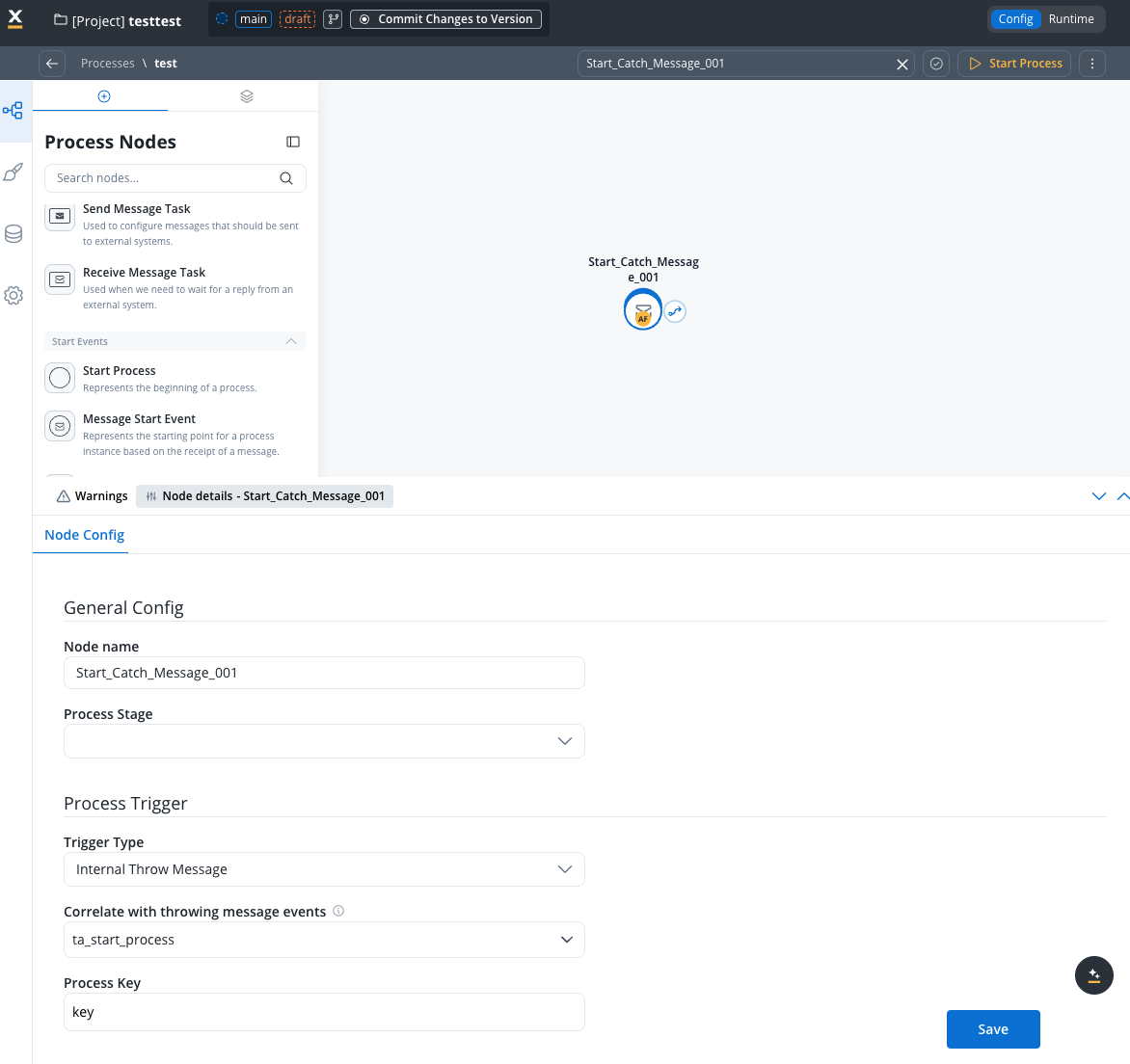
Select Internal Throw Message to enable message-based triggering from other processes.
The message event name that this start event listens for. This must match the event name configured in the corresponding Message Throw Event from the sending process.
The process key / variable name where incoming message data will be mapped in the started process. The data sent from the throwing process will be available under this key.
Note: The correlation key field is not available for Message Start Events. Correlation keys are only used for intermediate catch events where a running process instance needs to be identified. For start events, a new process instance is always created.
Example: Interprocess communication with internal throw message
This section demonstrates how to use the Internal Throw Message trigger type to start a process from another process.Throwing process (sender)
The throwing process contains a Message Throw Event that sends a message to start the target process.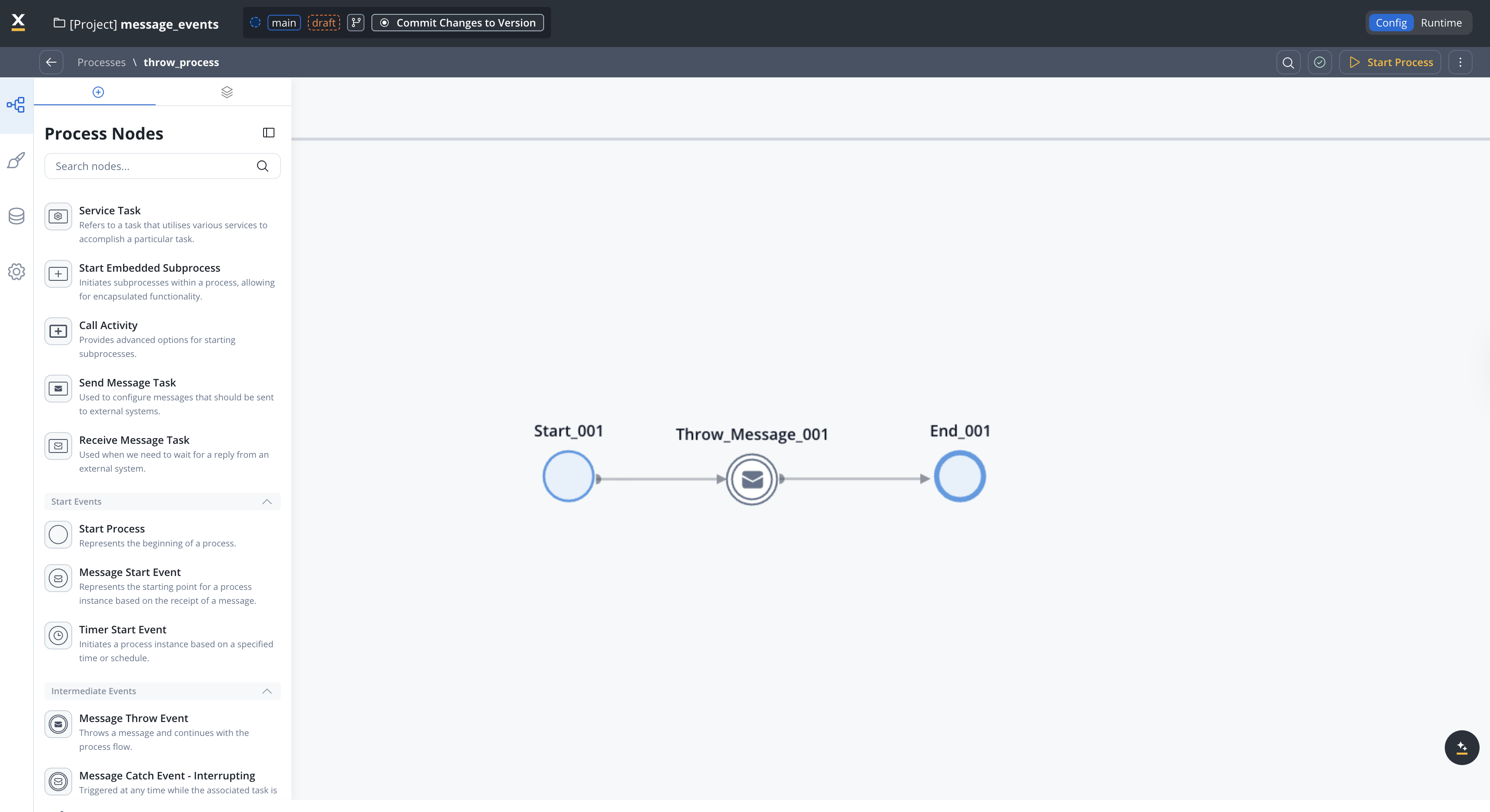
Configuring the throw intermediate event
The message event name. This must match the Correlate with throwing message events value configured in the target Message Start Event.
Define a JSON structure with the data to be sent along with the message. For example:
Assign a stage to the node if needed.
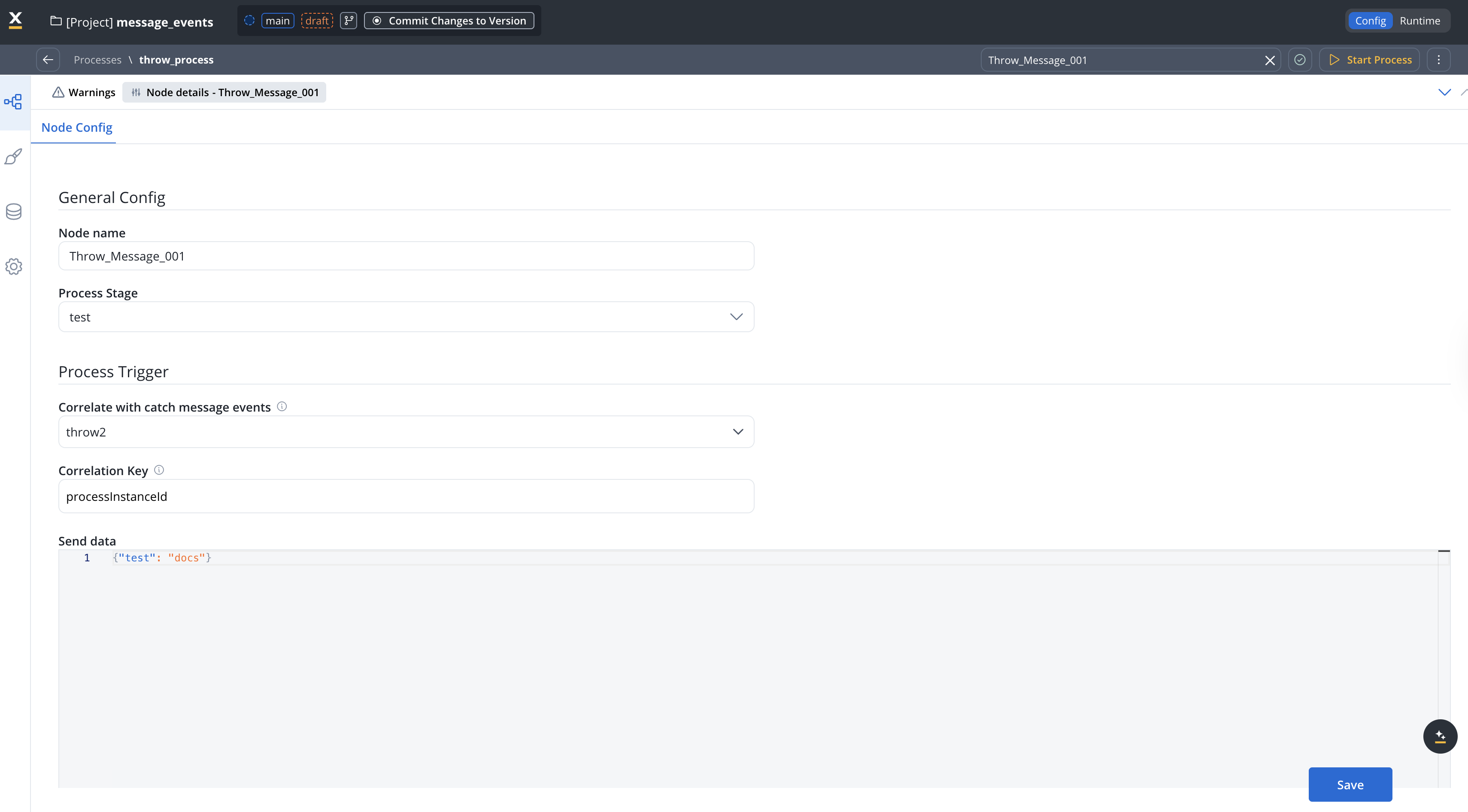
Catching process (receiver)
The catching process uses a Message Start Event configured with the Internal Throw Message trigger type.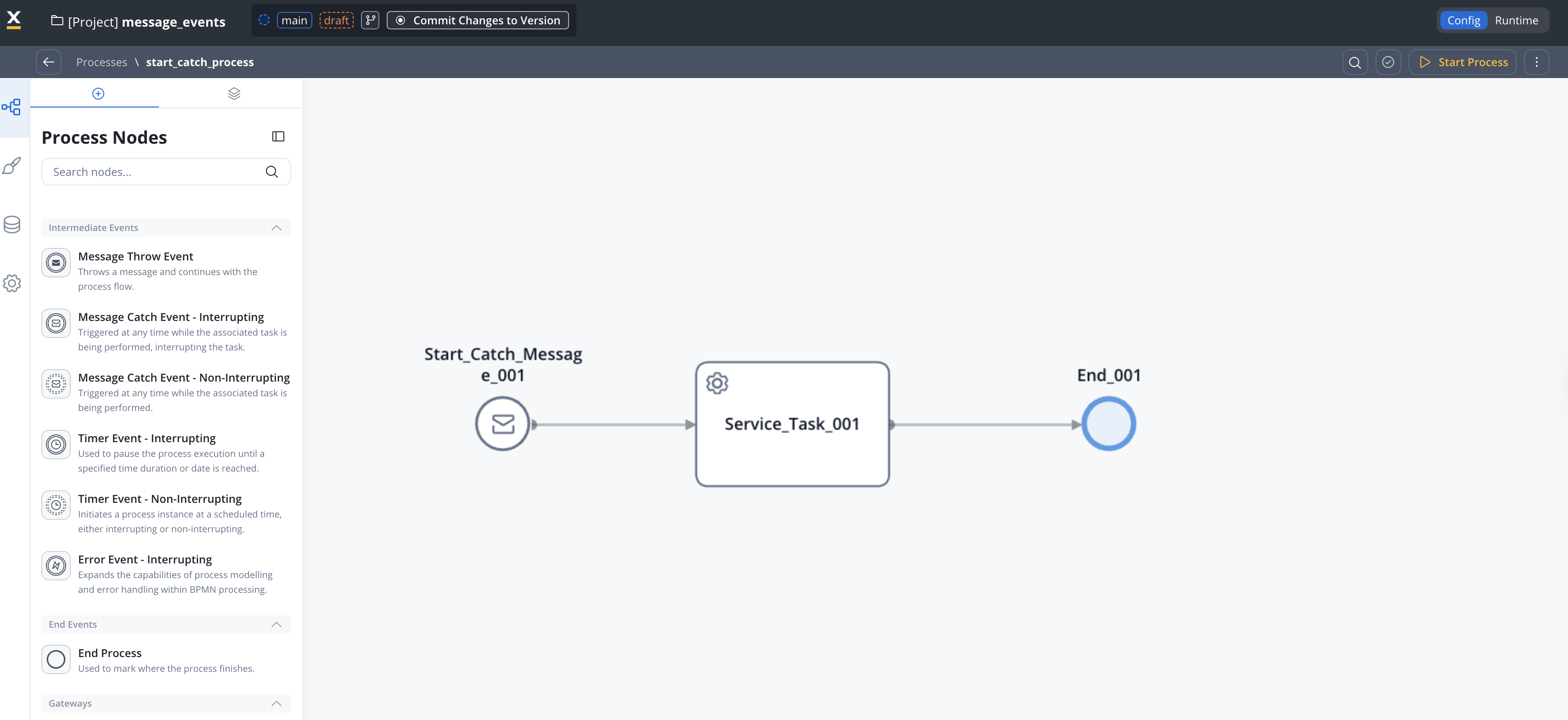
Configuring the Message Start Event (Start Catch Message) node
Remember, it’s mandatory to have a service account defined in your identity solution to have the necessary rights to start a process using the message catch start event. Refer to our documentation on how to create service accounts using Keycloak, here.
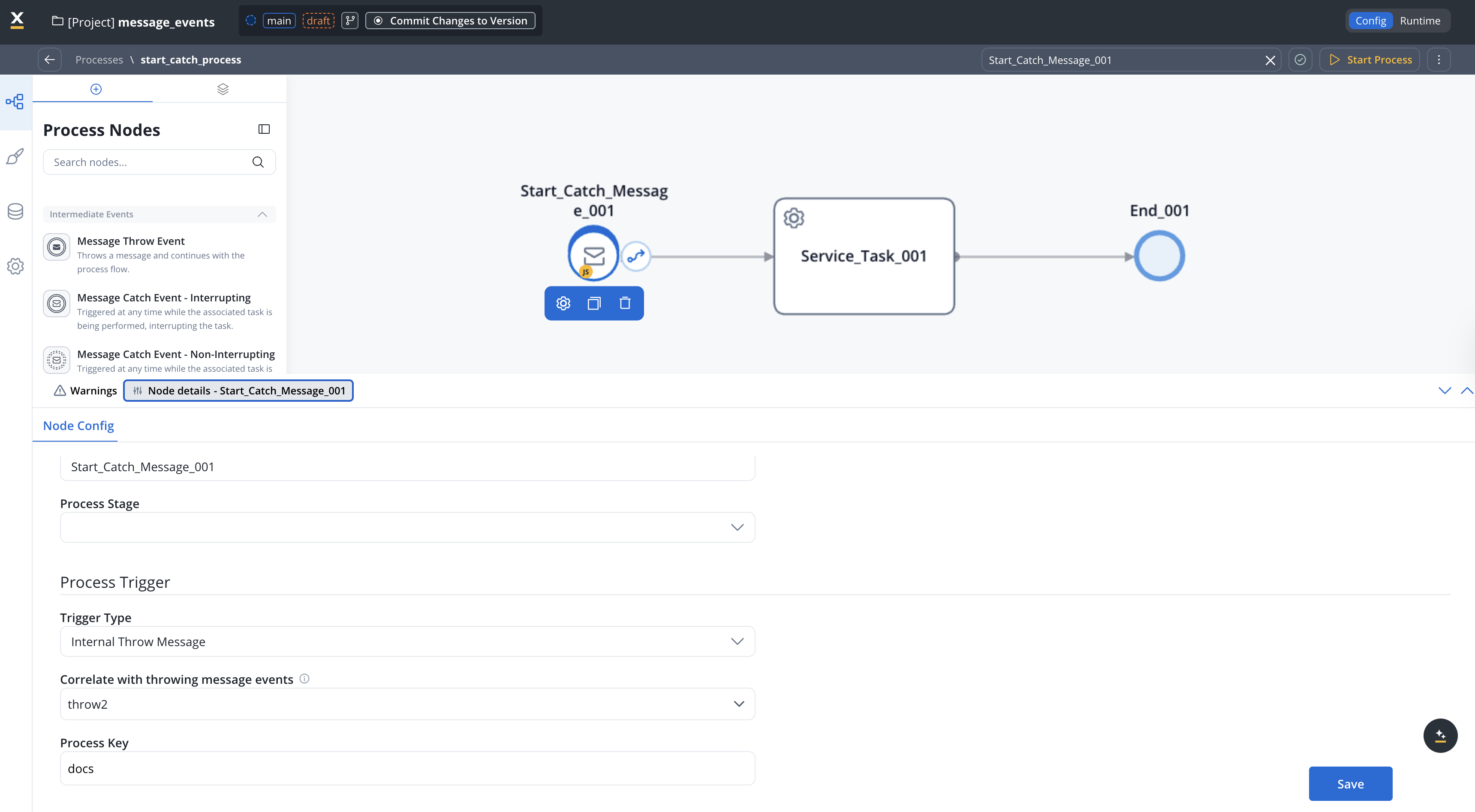
Result
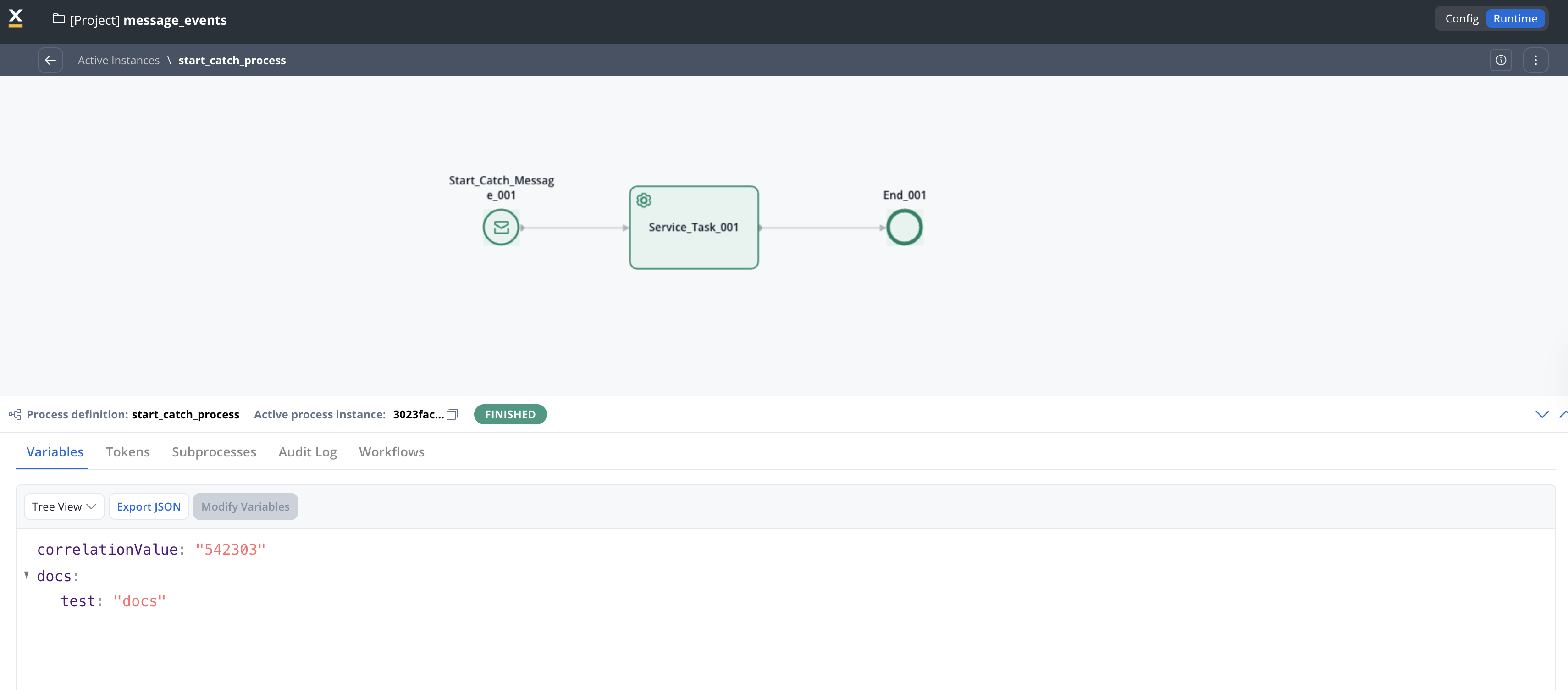
After running the throw process, the process containing the Message Start Event (Start Catch Message) node is triggered automatically. The data sent from the throwing process is available in the new process instance: